How to set the Freetime manual chronothermostat
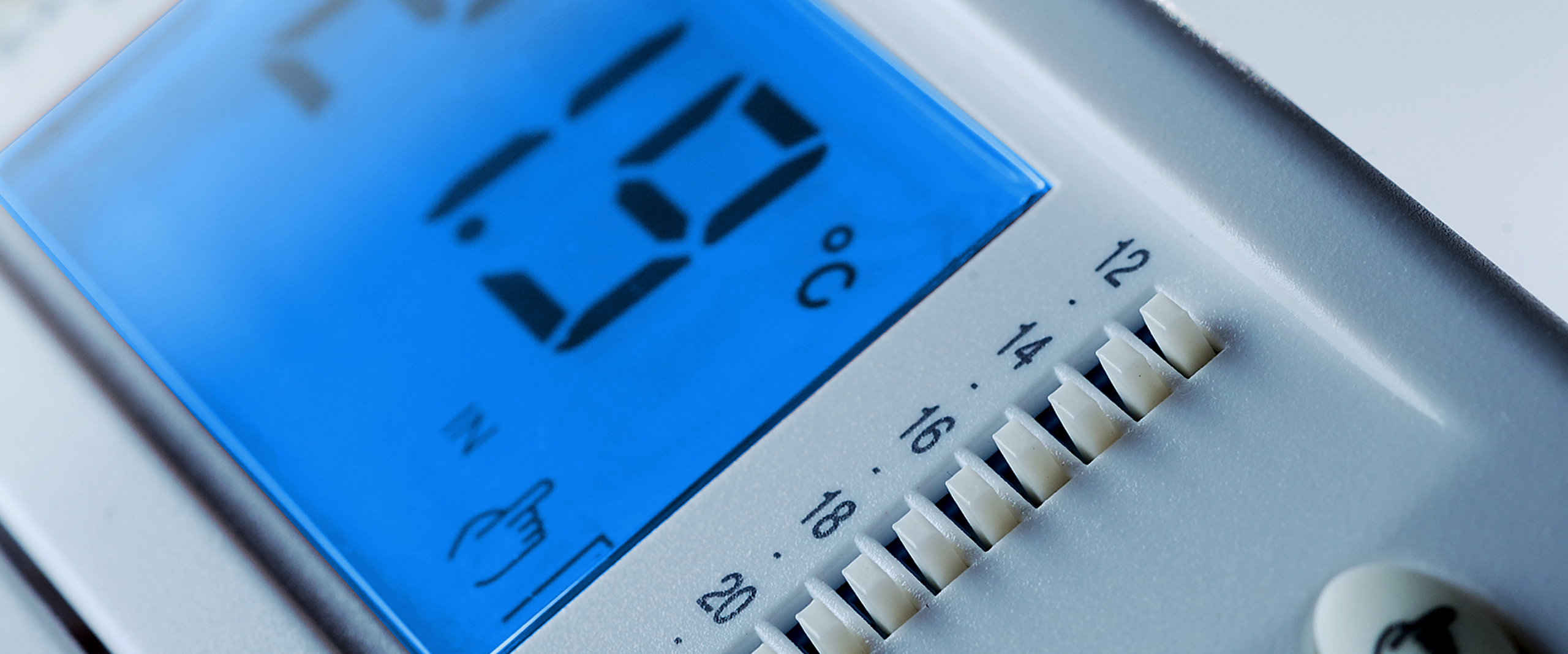
In this article we will see how to set the Freetime chronothermostat in some of its basic functions, such as the use of manual mode and a solution to solve problems related to an "unfortunate" installation of the thermostat.
Freetime chronothermostat: Manual mode
By pressing the button with the hand symbol, the chronothermostat becomes a simple thermostat, which will no longer take into account the set time bands, but only the comfort temperature, defined by the right knob (sun symbol).

The value set with the knob corresponds to the temperature reached which the boiler switches off. Restarting will take place at a temperature slightly lower than the set one.
Further information: What is hysteresis?
The difference between the set temperature and the boiler ignition temperature is defined hysteresis (or differential). In digital thermostats the hysteresis is typically 0.2 °C and is sometimes adjustable by the user. In analog thermostats the hysteresis is typically 0.4 °C. This function prevents damage resulting from turning the boiler on and off too frequently.
Setting the Offset to Freetime
Before seeing how to set the offset on the Freettime it is necessary to clarify what the offset is. In simple words, the offset allows you to compensate for the temperature detected by the thermostat. In Freetime there is the possibility of adjusting the offset by ± 5 °C.
Why might this operation be necessary? Unfortunately it sometimes happens that the thermostat is installed in places that we could define as "unfortunate", for example near heat sources or cold spots. This leads to a false temperature detection compared to the real temperature of the environment and precisely in these cases the possibility of adjusting the offset is very useful.
We then come to setting the offset on the Freetime chronothermostat, which can be done following these simple steps:
- Press the button for 20 seconds:

- The display will show “AFr” (Antifreeze temperature)
- Press the button again:
- The display will show “OFS1” (Internal probe offset temperature)
- Press the “OK” button; the display will show “0.0 °C”
- Then change the temperature with the “Up and Down” arrows as needed and confirm with the “OK” button to record the change made:

- Press the “OFF” key to exit the parameters or wait 10 seconds.
